Layouts
Vertical, captioned, ready to upload.
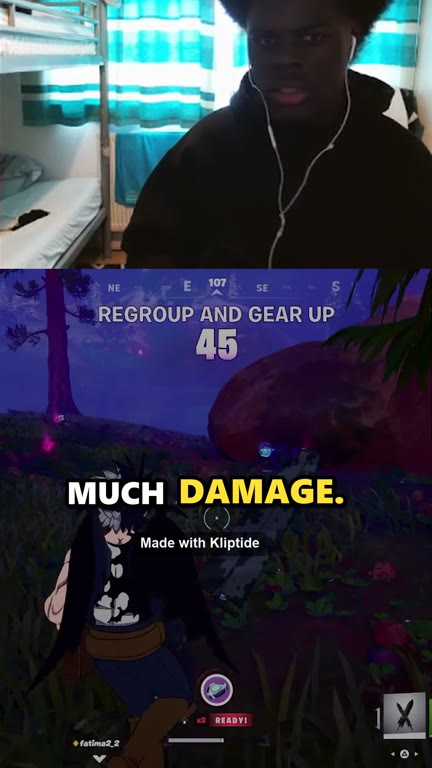
Four layouts, all 1080×1920. These are real Kliptide clips from the stream above.
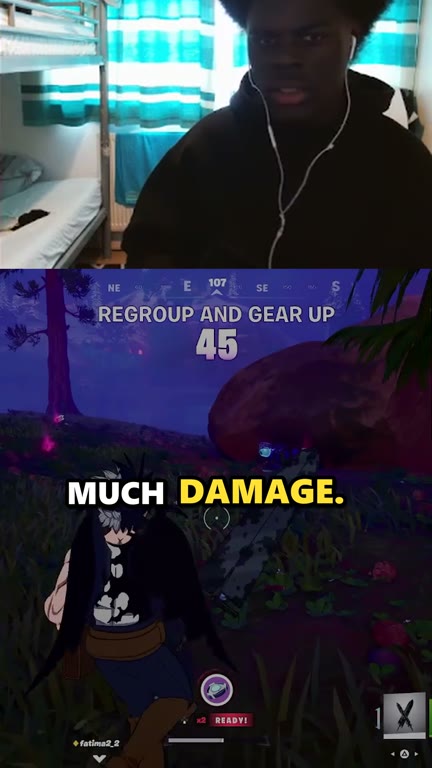
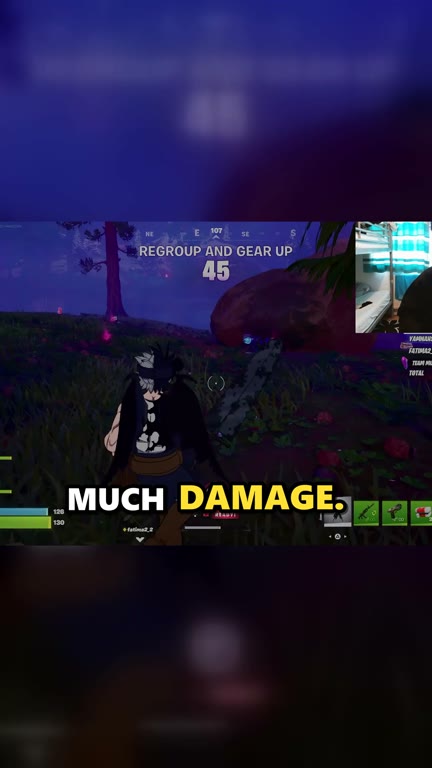
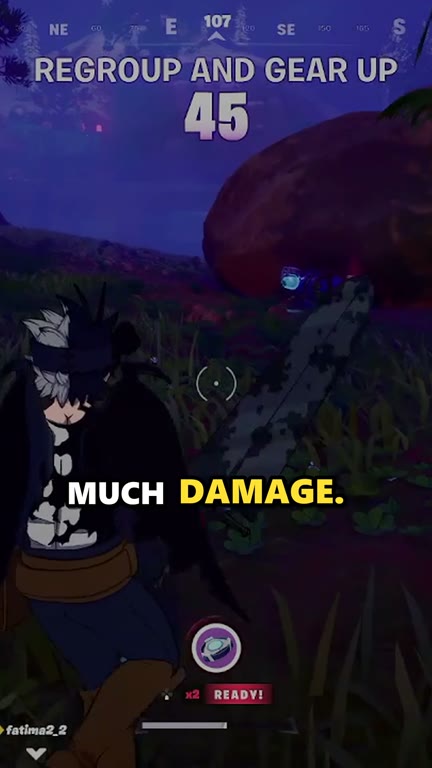
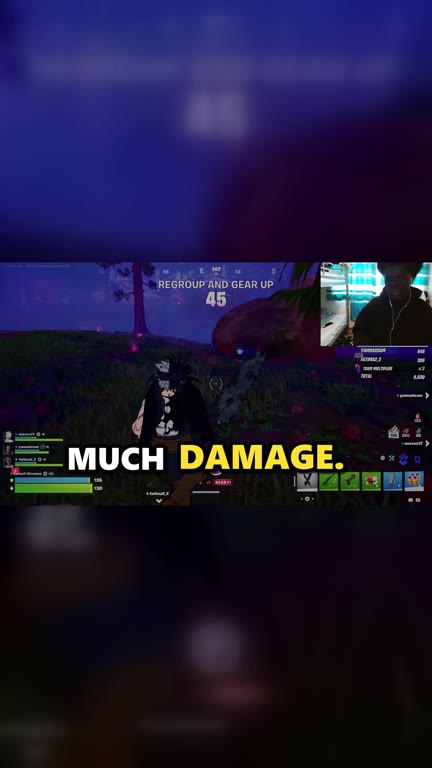
Kliptide watches Twitch and Kick for you. When chat explodes, it cuts the moment into a captioned vertical clip for TikTok, YouTube Shorts and Reels. You just review and post.
Free forever, with a small watermark · Pro removes it for £29, one-time
Leave Kliptide running while you stream or watch. It does the scrubbing, cutting and captioning.
Paste the Twitch or Kick channels you clip, or tick "My channel" if you're the streamer. Watch several at once.
Chat spam, screams, explosions: Kliptide spots the spike and cuts the 30 seconds before it, plus the reaction.
Fix a caption if needed, copy the ready-made post text for each platform, upload. Nothing is ever posted without you.
Four layouts, all 1080×1920. These are real Kliptide clips from the stream above.
Chat hype (KEKW, "no way", "CLIP IT"…), audio spikes and on-screen action, judged against each channel's own normal. Works for 50 viewers or 50,000.
Word-by-word captions burned in, TikTok style, the spoken word highlighted. Plus an .srt file.
Captions and hashtags for TikTok, Shorts and Reels, matched to the game or IRL stream, with a credit line for the streamer.
Saw something great? One click grabs the last 30 seconds of every live channel.
Watch multiple Twitch and Kick channels at the same time, each clipped on its own.
NVIDIA, AMD or Intel when available, and works without one. Kliptide tests your PC on first launch and picks the best encoder.
Both versions are the same app with every feature. Pro just removes the watermark.
Record who said yes, where and when. By default, clips from channels without a recorded permission can't be approved.
Music, gambling, sports broadcasts and other people's videos get flagged, the content most likely to be claimed or removed.
Streamers who don't want to be clipped can ask to be added to our opt-out list. Every copy of Kliptide then refuses to record them.
Yes. The free version has every feature with no time limit. Each clip includes a small "Made with Kliptide" watermark. Kliptide Pro (£29, one-time) removes it.
Buy Kliptide Pro and you'll get a license key by email. In Kliptide, open License & help and paste it. New clips have no watermark straight away. No reinstall needed.
No. It's a one-time payment of £29, and your key works on 2 PCs.
Windows 10 or 11 (64-bit), an internet connection, 8 GB RAM (16 GB recommended for several channels at once) and about 3 GB of free disk space, plus room for your clips. A speech model for captions downloads on first launch.
Not yet. Kliptide is Windows only for now.
Never. Every clip waits for your review. You fix captions if needed, copy the post text and upload it yourself.
Yes. On Kick, moments are detected from audio and video. On Twitch, chat is used as well.
Windows shows this for new apps it hasn't seen many downloads of yet. Click More info → Run anyway. If you're unsure, email [email protected].
Only streams you have the right to use: your own, or with the streamer's permission (many run official clipping programs). You're responsible for what you post.
Email [email protected] with your channel link. We'll add you to the opt-out list and Kliptide will stop recording your channel for every user.
Free for Windows. Your first clip could be ready before the stream ends.
Secure checkout and download by Gumroad.